
Getting started with EOSC#
Registration & Access to EOSC#
To access most EOSC services, we recommend using EGI Check-in so we first need to register to EGI Check-in and then enroll to a VO (Virtual Organisation) of an EOSC service.
Registration to EGI Check-in with EGI SSO#
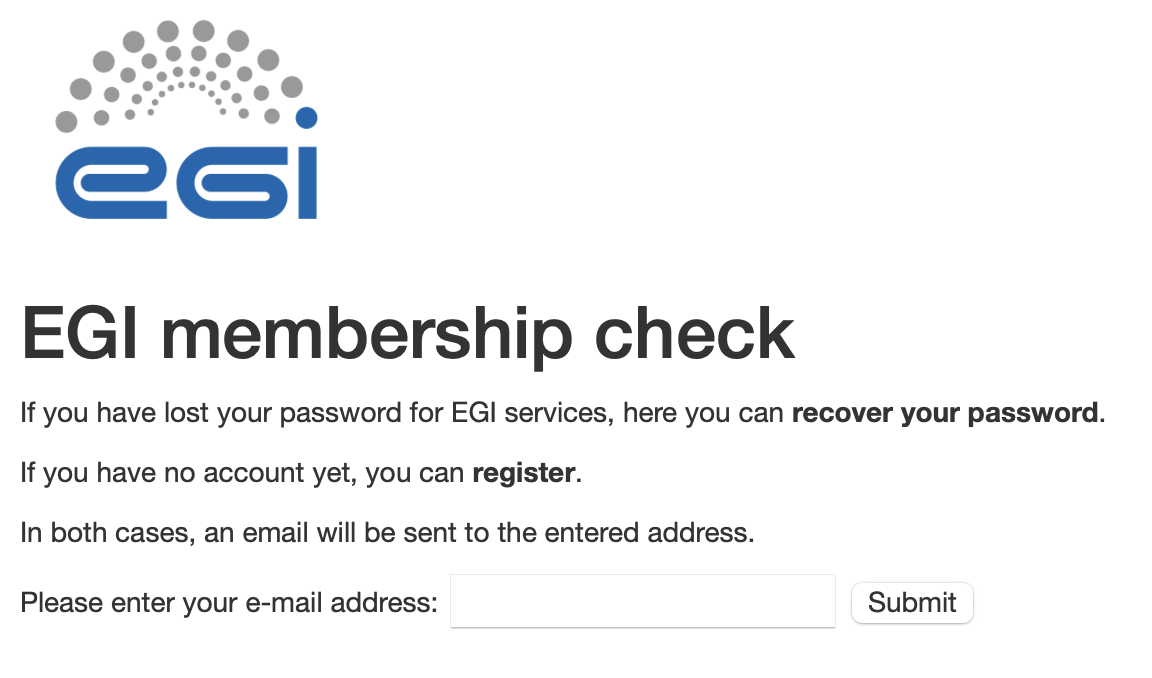
Enter your email address and press submit. You will receive an email to the address you entered (check you spam folder too). Follow the instructions given in the email e.g. click on the link provided to validate your email address.
Fill the form and make sure you only user lower case when choosing a user name. When filled, click on register.
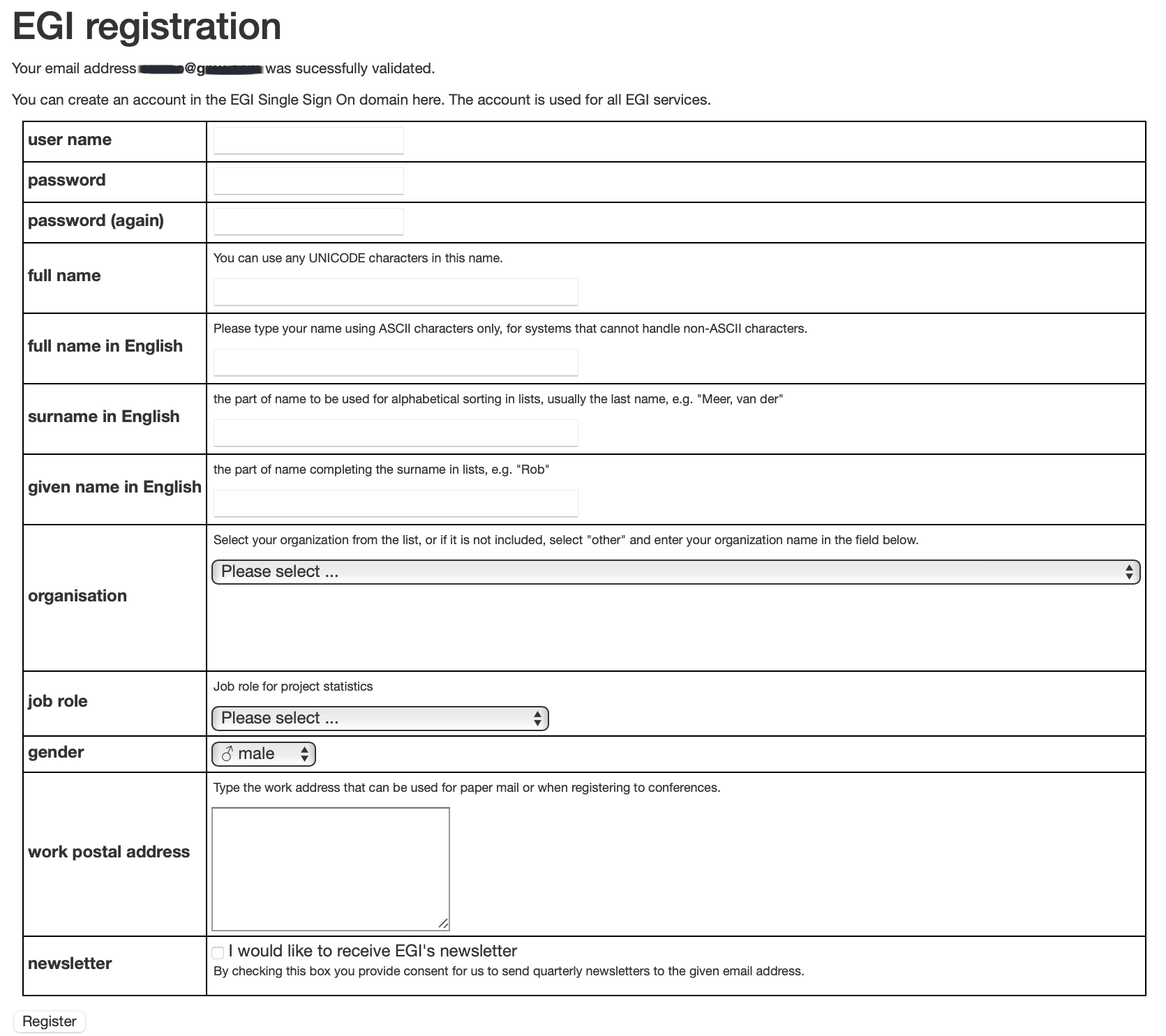
If successful, you should get:

Enrollment to a VO to access an EOSC service#
The step above are done once and allow to register and access EOSC services. To access a specific EOSC service, you have to *enroll” to a Virtual Organization. A specific service can have several Virtual Organizations to customize access (for instance, provide different quotas, etc.).
Some EOSC services enroll users “automatically” when they sign-up to their service. For others, you need to request access.
Users: How to get access to pangeo-eosc services?#
In this section you will learn how to register and access pangeo-eosc services.
You need to create an EGI Check-in account and enroll to the vo.pangeo.eu Virtual Organisation. There are several steps to follow:
Sign up for an EGI account on the development instance of EGI Check-In, clicking on: https://aai-dev.egi.eu/registry/co_petitions/start/coef:2.
Enroll in the
vo.pangeo.euVirtual Organisation (VO) by clicking on: https://aai-dev.egi.eu/registry/co_petitions/start/coef:290. Review and click onSubmit. Please add a note in the statement of purpose when requesting to join the VO explaining as “Workshop on EOSC at the University of Oslo for the Digital Scholarship Days 2024.”.
Managers of the Virtual Organisations may take several days to approve your petitions to join and also get back to you via email to verify your identity.
Read more about Pangeo@EOSC.